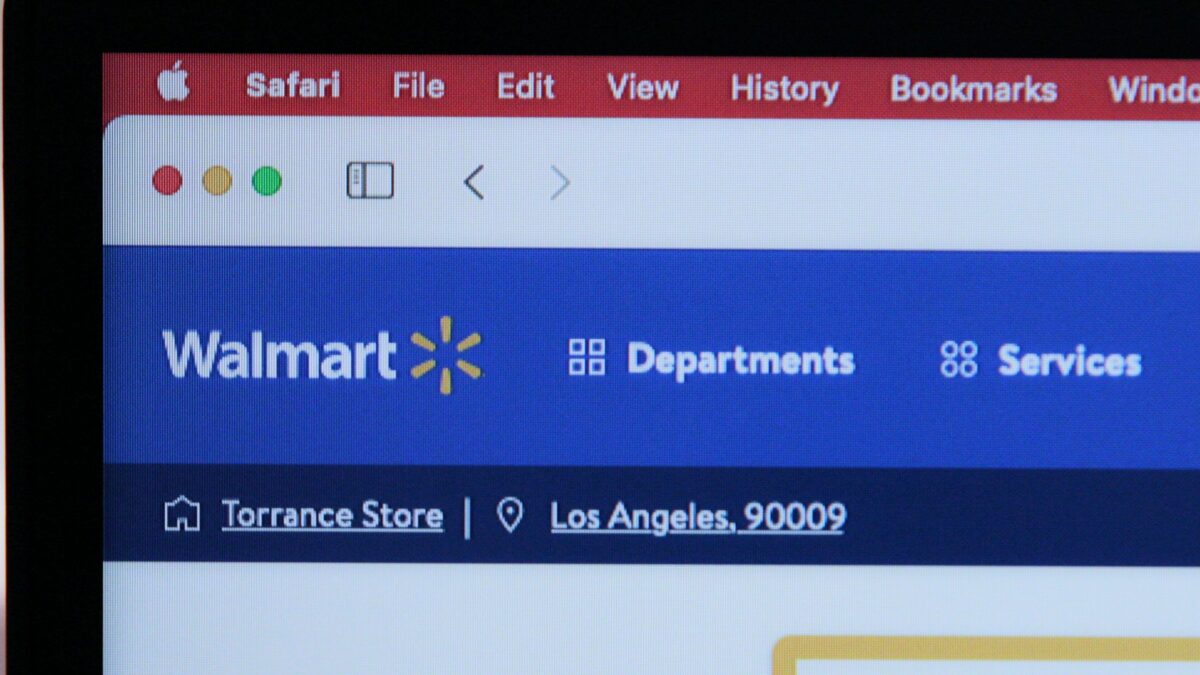
Shopping with EBT in Walmart Stores
When you visit a Walmart store with your SNAP EBT card, follow these steps:
- Shop for eligible foods covered by your SNAP EBT benefits.
- Confirm eligibility before checkout by using the Walmart app to scan the item barcode or looking up the item on Walmart.com. Eligible items display a “SNAP eligible” badge.
- Proceed to the checkout register.
- Swipe your SNAP EBT card and enter your PIN to pay for eligible items only.
If items in your cart include both SNAP-eligible and ineligible products, you must separate them at checkout. Pay for eligible items with your EBT card and use another payment method for non-eligible items.
Shopping Online or Through the Walmart App
Walmart makes online SNAP shopping straightforward through its website and mobile app:
- Go to Walmart.com/snap or open the Walmart app on your phone.
- Sign in or create a free Walmart account and add your SNAP EBT card to your Walmart wallet. You must verify your card balance is sufficient to cover your purchase.
- Search for eligible items using the SNAP EBT filter under the “Benefit Programs” menu, or look for the “SNAP EBT eligible” badge on individual product pages.
- Add eligible food items to your cart.
- You can also shop for non-SNAP items using a different payment method during the same order.
- At checkout, enter your PIN to complete payment using your SNAP EBT card for eligible items.
- Review your order to confirm eligible items were charged to your EBT card.
Online orders at Walmart support both pickup and delivery. Curbside pickup has a $35 order minimum; orders below this amount are charged a pickup fee. Delivery fees may apply depending on whether you choose regular or Express delivery. Neither pickup nor delivery fees are covered by SNAP EBT benefits. You can pay these fees using your EBT cash benefits (if available) or your personal debit or credit card.
Which Items Qualify for SNAP EBT at Walmart
SNAP covers specific food items defined by federal guidelines and your state program. Eligible categories at Walmart include:
- Fresh produce and vegetables
- Meat, poultry, and seafood
- Dairy and eggs
- Frozen foods and meals
- Snacks and chips
- Breakfast and cereal
- Bread and bakery items
- Beverages and water
- Pantry staples and oils
- Baby food and baby formula
- Beans, grains, and noodles
SNAP does not cover non-food items, prepared hot foods, vitamins, medicine, household supplies, pet food, or alcohol and tobacco. Walmart does not define which items are eligible; federal SNAP guidelines and your state determine eligibility.
How to Find Eligible Items
Walmart provides multiple ways to verify SNAP eligibility before you buy:
- In-store: Use the Walmart app to scan an item’s barcode and check for the “SNAP eligible” badge on the item page.
- Online: Look for the “SNAP eligible” badge displayed directly on product pages at Walmart.com, or use the SNAP EBT filter under “Benefit Programs” to show only qualifying items.
- App scanner: Open the Walmart app, select the scanner in the search bar, scan the item’s barcode, and look for the “SNAP Eligible” badge.
If you believe an item is incorrectly marked as ineligible when it should qualify, you can contact Walmart by selecting “Chat with us” on the Walmart.com help page and report the issue. Walmart will investigate but cannot override USDA determinations.
What to Do If Your SNAP Card Doesn’t Work
If your EBT card is declined at checkout, take these steps:
- Double-check that you entered your PIN correctly.
- Confirm the items you’re purchasing are SNAP-eligible. Ineligible items will cause the transaction to fail.
- Verify your card has sufficient balance to cover the purchase. Check your balance using the phone number on the back of your SNAP card.
- Contact your state’s SNAP office or the number on the back of your SNAP EBT card for card-related issues, balance questions, or PIN resets.
- If you believe an item is incorrectly marked as ineligible, let Walmart know by contacting customer service.
Tips for Stretching Your SNAP Benefits at Walmart
- Plan your shopping trip in advance to avoid impulse purchases.
- Use the Walmart app barcode scanner before adding items to your cart to confirm eligibility.
- Look for sales and promotions on SNAP-eligible foods to maximize what your benefits cover each month.
- Browse Walmart.com/snap to see featured SNAP-eligible items and deals organized by category.
- Check for Walmart price match policy opportunities on eligible items to get the lowest prices available.
- If you qualify for additional assistance, ask about Walmart senior discount or Walmart military discount programs that may help you save on other purchases.
Comparison: SNAP Shopping at Walmart
| Shopping Method | Locations Supported | How to Pay | Pickup/Delivery Fees |
|---|---|---|---|
| In-Store | All Walmart store locations | Swipe EBT card and enter PIN at register | N/A |
| Online Pickup | All 50 states via Walmart.com or app | Enter PIN during checkout; add card to wallet first | $35 minimum order; below $35 charged pickup fee |
| Online Delivery | All 50 states via Walmart.com or app | Enter PIN during checkout; add card to wallet first | Fees apply; not covered by EBT; pay with cash benefits or personal card |
Key Points to Remember
- SNAP EBT eligibility is defined by federal USDA guidelines and your state, not Walmart. For questions about your specific benefits or what you can buy, contact your state’s SNAP office or the number on your card.
- Only eligible food items count toward your EBT charge. Fees, taxes, or ineligible items must be paid with a different method.
- Your SNAP EBT benefits cannot be used for pickup or delivery fees. Plan to pay these with cash benefits, a debit card, or credit card.
- You must create a free Walmart account to shop online with EBT. Add your SNAP card to your Walmart wallet for faster checkout.
- Check your card balance before shopping by calling the number on the back of your SNAP card or logging into your state’s benefits portal.
 Costco Emerges as Major Grocery Threat to Traditional Retailers What Shoppers Should Know
 Walmart Activates Shop to Light Feature: What Shoppers Should Know
 Walmart Fall Deals Sale: What Shoppers Should Know About Early October Shopping
 Walmart Consolidates Fashion Teams What Shoppers Should Know
 Walmart CEO Confirms No Personal Data Used in Pricing What Shoppers Should Know
 Walmart CEO Defends Digital Price Labels Against Shopper Concerns